
Informatica PowerCenter has been the enterprise ETL workhorse for over two decades. Its visual mapping designer, pre-built transformations, and session/workflow orchestration made it the standard for data warehouse loading pipelines across Fortune 500 companies. But PowerCenter licensing is expensive, its architecture is fundamentally single-node, and the platform is increasingly difficult to justify when open-source alternatives like Apache PySpark deliver superior performance at distributed scale.
This article provides a detailed technical mapping of Informatica PowerCenter transformations to their PySpark equivalents, covering the transformations that appear in the vast majority of production mappings: Source Qualifier, Joiner, Aggregator, Router, Lookup, Expression, and Filter. We also address the migration of session and workflow orchestration to modern tools like Apache Airflow and Prefect.
Informatica Architecture vs. PySpark Architecture
Understanding the architectural differences is essential for a clean migration. Informatica PowerCenter uses a proprietary architecture with several components: the Repository Service stores metadata, the Integration Service executes mappings, and the PowerCenter Client tools provide the development interface. Data flows through a pipeline of transformations within a single mapping, executed by a single Integration Service process on a single server.
PySpark, by contrast, is a distributed processing framework. A PySpark application submits a logical plan to a Spark driver, which the Catalyst optimizer compiles into a physical plan executed across multiple worker nodes. The same code runs on a developer laptop and a 100-node production cluster without modification.
| Informatica Concept | PySpark Equivalent | Notes |
|---|---|---|
| Mapping | PySpark script / module | A complete ETL pipeline in code |
| Mapplet (reusable) | Python function / class | Composable, testable, versioned in Git |
| Session | Spark job submission | spark-submit or Airflow SparkSubmitOperator |
| Workflow | Airflow DAG / Prefect Flow | Dependency management, retry logic, scheduling |
| Source Qualifier | spark.read + filter + select | Predicate pushdown to source database |
| Repository | Git + artifact registry | Version control, CI/CD, code review |

Informatica to Apache PySpark migration — automated end-to-end by MigryX
Mapping Informatica Transformations to PySpark
The core of any PowerCenter-to-PySpark migration is converting individual transformations. Below are the most common Informatica transformations with their PySpark equivalents.
Source Qualifier
The Informatica Source Qualifier defines the SQL query that extracts data from a relational source. It can include custom SQL overrides, filter conditions, and join logic. In PySpark, this maps directly to spark.read with JDBC options.
# Informatica Source Qualifier with SQL override
# SELECT o.order_id, o.amount, c.name
# FROM orders o JOIN customers c ON o.customer_id = c.id
# WHERE o.order_date >= '2025-01-01'

# PySpark equivalent
orders = (
    spark.read
    .format("jdbc")
    .option("url", "jdbc:postgresql://db-host:5432/warehouse")
    .option("query", """
        SELECT o.order_id, o.amount, c.name
        FROM orders o JOIN customers c ON o.customer_id = c.id
        WHERE o.order_date >= '2025-01-01'
    """)
    .option("user", db_user)
    .option("password", db_password)
    .option("fetchsize", "10000")
    .load()
)
Joiner Transformation
Informatica's Joiner transformation performs joins between two data streams with support for Normal, Master Outer, Detail Outer, and Full Outer joins. PySpark's join() method provides the same functionality with distributed execution.
# Informatica Joiner: Normal Join on customer_id
# Master: customers, Detail: orders

# PySpark equivalent
from pyspark.sql import functions as F

customers = spark.read.parquet("s3a://lake/customers/")
orders = spark.read.parquet("s3a://lake/orders/")

# Inner join (Normal Join)
joined = orders.join(customers, "customer_id", "inner")

# Master Outer = Left outer on detail side
master_outer = orders.join(customers, "customer_id", "left")

# Detail Outer = Right outer on detail side
detail_outer = orders.join(customers, "customer_id", "right")

# Full Outer
full_outer = orders.join(customers, "customer_id", "full")
Aggregator Transformation
The Informatica Aggregator groups data and computes aggregate functions (SUM, AVG, COUNT, MIN, MAX) with support for group-by ports and sorted input optimization. PySpark's groupBy().agg() is the direct equivalent.
# Informatica Aggregator: Group by region, product_category
# Aggregate: SUM(revenue), COUNT(order_id), AVG(unit_price)

# PySpark equivalent
summary = (
    orders
    .groupBy("region", "product_category")
    .agg(
        F.sum("revenue").alias("total_revenue"),
        F.count("order_id").alias("order_count"),
        F.avg("unit_price").alias("avg_unit_price"),
        F.min("order_date").alias("first_order"),
        F.max("order_date").alias("last_order")
    )
)
Router Transformation
Informatica's Router splits a single data stream into multiple output groups based on conditions. Each group has a filter condition, plus a default group for unmatched rows. PySpark achieves this by applying multiple filter() calls on the same DataFrame.
# Informatica Router: Route orders by amount tier
# Group 1: amount >= 10000 (high_value)
# Group 2: amount >= 1000 (medium_value)
# Default: low_value

# PySpark equivalent
high_value = orders.filter(F.col("amount") >= 10000)
medium_value = orders.filter(
    (F.col("amount") >= 1000) & (F.col("amount") < 10000)
)
low_value = orders.filter(F.col("amount") < 1000)

# Process each tier separately
high_value.write.parquet("s3a://output/high_value/")
medium_value.write.parquet("s3a://output/medium_value/")
low_value.write.parquet("s3a://output/low_value/")
For a single-column classification, a withColumn() with when() is more efficient because it avoids scanning the data three times:
# Single-pass alternative using when/otherwise
tiered = orders.withColumn(
    "tier",
    F.when(F.col("amount") >= 10000, "high_value")
     .when(F.col("amount") >= 1000, "medium_value")
     .otherwise("low_value")
)
Lookup Transformation
Informatica Lookup transformations retrieve values from a reference table based on lookup conditions. They support connected (in-pipeline) and unconnected (called from expressions) modes, with caching options. PySpark uses broadcast joins for cached lookups and standard joins for large reference tables.
# Informatica Lookup: Look up product_name from product_dim
# Condition: source.product_id = lookup.product_id
# Return: product_name, product_category

# PySpark equivalent — broadcast join for small lookup table
product_dim = spark.read.parquet("s3a://ref/product_dim/")

enriched = orders.join(
    F.broadcast(product_dim.select("product_id", "product_name", "product_category")),
    "product_id",
    "left"  # Left join preserves all source rows (like Informatica's default)
)
Informatica's cached Lookup transformation maps directly to PySpark's broadcast join. The broadcast hint tells Spark to replicate the small table to every executor, eliminating shuffle. For large reference tables that cannot be broadcast, use a standard join and let Spark's optimizer choose the best strategy.
Expression and Filter Transformations
Informatica Expression transformations apply row-level calculations, and Filter transformations remove rows based on conditions. In PySpark, these map to withColumn() and filter() respectively.
# Informatica Expression: Calculate discount and final_price
# o_discount = IIF(amount > 5000, amount * 0.10, 0)
# o_final_price = amount - o_discount

# Informatica Filter: WHERE final_price > 0

# PySpark equivalent
result = (
    orders
    .withColumn(
        "discount",
        F.when(F.col("amount") > 5000, F.col("amount") * 0.10)
         .otherwise(0)
    )
    .withColumn("final_price", F.col("amount") - F.col("discount"))
    .filter(F.col("final_price") > 0)
)
MigryX: Purpose-Built Parsers for Every Legacy Technology
MigryX does not rely on generic text matching or regex-based parsing. For every supported legacy technology, MigryX has built a dedicated Abstract Syntax Tree (AST) parser that understands the full grammar and semantics of that platform. This means MigryX captures not just what the code does, but why — understanding implicit behaviors, default settings, and platform-specific quirks that generic tools miss entirely.
Session and Workflow to Airflow/Prefect
Informatica workflows orchestrate the execution of sessions (which run mappings) with dependencies, conditional logic, timers, and email notifications. In the modern stack, this orchestration layer moves to Apache Airflow or Prefect, while the compute layer moves to PySpark.
This separation of concerns is a fundamental architectural improvement. In Informatica, orchestration and compute are coupled in a single platform. With Airflow + PySpark, the orchestration tool manages scheduling, dependencies, and alerting, while PySpark handles data processing on a separate, elastically scalable cluster.
# Airflow DAG replacing an Informatica Workflow
from airflow import DAG
from airflow.providers.apache.spark.operators.spark_submit import SparkSubmitOperator
from airflow.operators.email import EmailOperator
from datetime import datetime

dag = DAG(
    "etl_daily_load",
    schedule_interval="0 6 * * *",
    start_date=datetime(2026, 1, 1),
    catchup=False,
    default_args={"retries": 2, "retry_delay": 300},
)

extract_task = SparkSubmitOperator(
    task_id="extract_source_data",
    application="s3a://code/extract_sources.py",
    conn_id="spark_cluster",
    conf={"spark.executor.memory": "8g", "spark.executor.instances": "10"},
    dag=dag,
)

transform_task = SparkSubmitOperator(
    task_id="transform_and_enrich",
    application="s3a://code/transform_enrich.py",
    conn_id="spark_cluster",
    dag=dag,
)

load_task = SparkSubmitOperator(
    task_id="load_warehouse",
    application="s3a://code/load_warehouse.py",
    conn_id="spark_cluster",
    dag=dag,
)

notify = EmailOperator(
    task_id="send_completion_email",
    to="data-team@company.com",
    subject="Daily ETL Complete",
    html_content="The daily ETL pipeline completed successfully.",
    dag=dag,
)

extract_task >> transform_task >> load_task >> notify
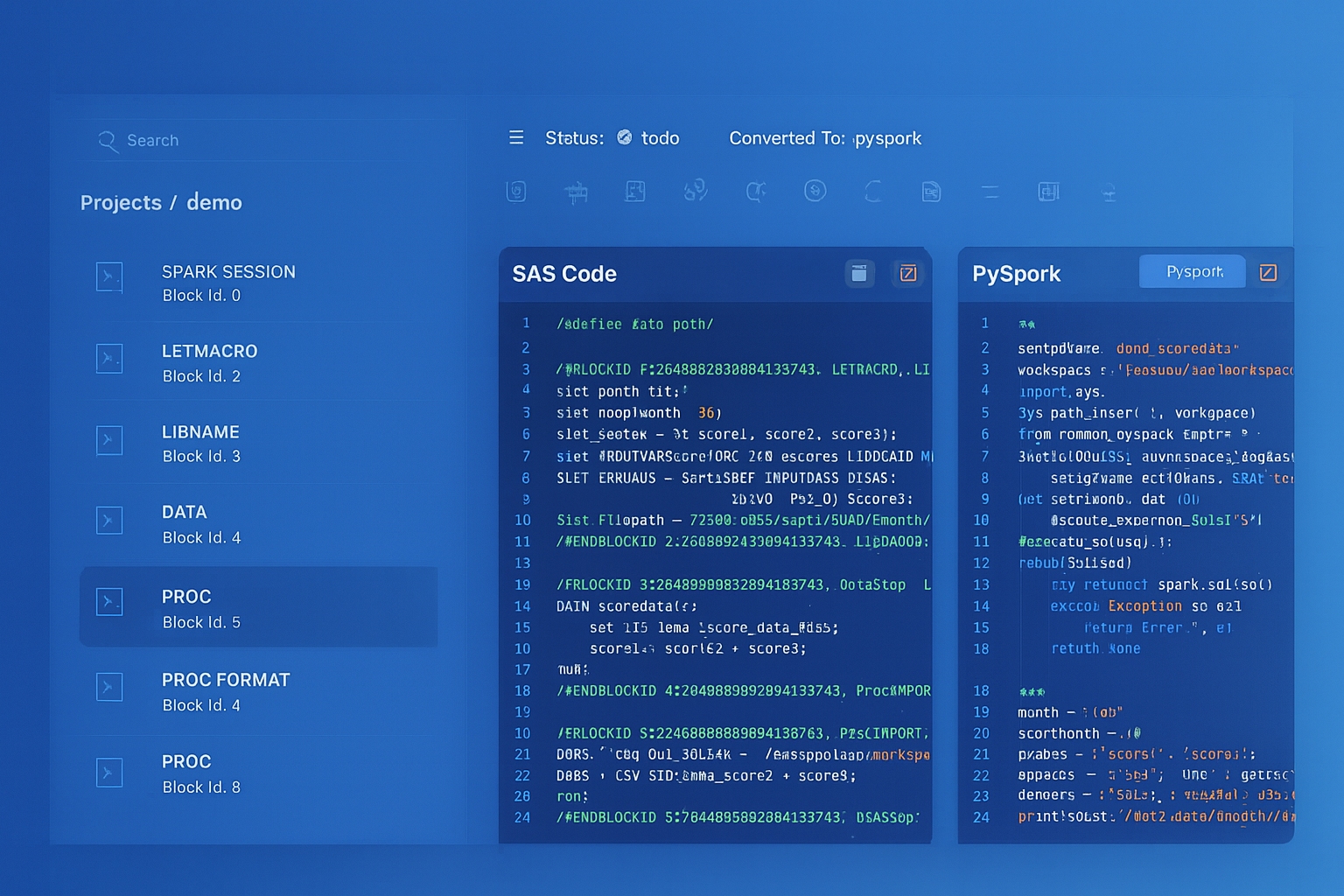
From parsed legacy code to production-ready modern equivalents — MigryX automates the entire conversion pipeline
From Legacy Complexity to Modern Clarity with MigryX
Legacy ETL platforms encode business logic in visual workflows, proprietary XML formats, and platform-specific constructs that are opaque to standard analysis tools. MigryX’s deep parsers crack open these proprietary formats and extract the underlying data transformations, business rules, and data flows. The result is complete transparency into what your legacy code actually does — often revealing undocumented logic that even the original developers had forgotten.
Handling Informatica-Specific Patterns
Several Informatica patterns require careful handling during migration:
- Sequence Generator — use
F.monotonically_increasing_id()for unique IDs, or window functions withrow_number()for sequential numbering within partitions. - Stored Procedure transformation — call database procedures via JDBC or replace with PySpark logic that runs distributed.
- Update Strategy — use Delta Lake
MERGE INTOfor upsert operations, or implement SCD logic with PySpark joins and union operations. - Normalizer / Rank — use
explode()for normalizing arrays and window functions withrank()ordense_rank()for ranking. - Custom Java transformations — rewrite as PySpark UDFs (Python) or pandas UDFs (Arrow-optimized) for vectorized execution.
Key Takeaways
- Every Informatica transformation has a clean PySpark equivalent — Source Qualifier to spark.read, Joiner to join(), Aggregator to groupBy().agg(), Router to filter(), Lookup to broadcast join.
- Informatica's coupled orchestration+compute architecture splits into Airflow (orchestration) + PySpark (compute) for better scalability and separation of concerns.
- PySpark's Catalyst optimizer automatically applies the same optimizations that Informatica developers configure manually (pushdown, caching, join strategy).
- Version control, unit testing, and CI/CD become native capabilities when ETL is code, not visual mappings stored in a proprietary repository.
- MigryX automates the conversion of Informatica mappings and workflows to PySpark + Airflow, preserving transformation logic while enabling distributed execution.
Migrating from Informatica PowerCenter to PySpark is a shift from visual, proprietary ETL to code-based, distributed data engineering. The transformation logic translates cleanly. The orchestration moves to open-source tools with richer capabilities. And the execution scales from a single server to an elastic cluster. For organizations paying millions in Informatica licensing, this migration pays for itself within the first year.
Why MigryX Is the Only Platform That Handles This Migration
The challenges described throughout this article are exactly what MigryX was built to solve. Here is how MigryX transforms this process:
- Deep AST parsing: MigryX’s custom-built parsers achieve 95% accuracy on every supported legacy technology — not through approximation, but through true semantic understanding.
- Merlin AI augmentation: Where deterministic parsing reaches its limit, Merlin AI resolves ambiguities and implicit behaviors, pushing accuracy to 99%.
- Complete coverage: MigryX supports 25+ source technologies including SAS, Informatica, DataStage, SSIS, Alteryx, Talend, ODI, Teradata, and Oracle PL/SQL.
- End-to-end automation: From parsing to conversion to validation — MigryX automates the entire pipeline, not just one step.
MigryX combines precision AST parsing with Merlin AI to deliver 99% accurate, production-ready migration — turning what used to be a multi-year manual effort into a streamlined, validated process. See it in action.
Ready to migrate from Informatica to PySpark?
See how MigryX converts Informatica PowerCenter mappings and workflows to production-ready PySpark + Airflow pipelines.
Explore PySpark Migration Schedule a Demo