If you have spent any time evaluating Azure Fabric, you have encountered two terms that come up in every conversation: OneLake and Lakehouse. They sound like marketing labels, but they represent genuine architectural decisions that affect how your data is stored, queried, governed, and — critically — migrated. For teams planning a migration from SAS, Informatica, DataStage, or Teradata, understanding OneLake and the Fabric Lakehouse is not optional. It determines the shape of every artifact you will generate.
This article is a technical deep dive into both. We will cover what OneLake actually is, how the Fabric Lakehouse differs from traditional data warehouses, how the Medallion pattern maps to Fabric, and what all of this means for migration teams producing Fabric-native output.
What Is OneLake?
OneLake is Fabric's single, organization-wide data lake. Every Fabric workspace, every lakehouse, every warehouse, and every dataflow writes to the same storage layer. There is no provisioning step, no separate storage account to create, no connection string to configure. When you create a Fabric workspace, your OneLake storage exists automatically.
At the storage level, OneLake is built on Azure Data Lake Storage Gen2 (ADLS Gen2), but abstracted so that users never interact with ADLS directly. All data in OneLake is stored in Delta Lake format — an open-source storage layer that organizes data as Parquet files with a transaction log that provides ACID guarantees. This is a critical point: your data is not locked in a proprietary format. The underlying files are standard Parquet. The transaction log is standard Delta. Any tool that reads Parquet or Delta can read your data, even outside of Fabric.
The "single data lake" design eliminates data silos by default. In traditional architectures, each team or department tends to create its own storage: the data engineering team has its ADLS account, the BI team has its SQL Server, the data science team has its own blob storage for training data. OneLake collapses all of these into one namespace. A data engineer writes a Spark notebook that produces a Delta table, and a Power BI analyst can open that same table without a copy, without an export, without a new connection string.
OneLake also supports shortcuts — virtual references to data stored outside of Fabric. You can create a shortcut to an existing ADLS Gen2 account, an Amazon S3 bucket, or a Google Cloud Storage location, and that external data appears inside your OneLake namespace as if it were native. No data is copied. Queries against shortcuts read from the external source in real time. This is particularly valuable during migration: you can point a shortcut at your existing data lake, start building Fabric artifacts on top of it, and avoid a risky big-bang data move.
Automatic Governance
Every table written to OneLake is automatically registered in the Fabric catalog. Column names, data types, row counts, and freshness timestamps are captured without any manual cataloging effort. When Purview integration is enabled, column-level lineage is traced from source to destination across Spark notebooks, SQL queries, and Data Factory pipelines. For regulated industries — financial services, healthcare, government — this automatic governance is not a convenience feature. It is a compliance baseline.

Azure Fabric — enterprise migration powered by MigryX
Fabric Lakehouse vs Traditional Data Warehouses
The term "lakehouse" is not unique to Fabric — Databricks popularized it, and other platforms have adopted it. But the Fabric Lakehouse has specific characteristics that distinguish it from both traditional data warehouses and from standalone Spark-based lakehouses.
Compared to Dedicated SQL Data Warehouse (formerly Azure SQL DW)
Azure SQL DW was Microsoft's previous cloud warehouse offering. It used dedicated compute nodes with a proprietary storage format, required explicit provisioning and scaling, and charged based on Data Warehouse Units (DWUs) whether or not you were running queries. The Fabric Warehouse, by contrast, stores data as Delta in OneLake, shares compute capacity with other Fabric workloads, and charges on a consumption basis. You do not pre-provision capacity for quiet weekends or scale up for month-end reporting. The platform handles it.
Compared to Synapse Analytics (Standalone)
Standalone Synapse Analytics offered Spark pools, SQL pools, and pipelines, but each was a separate resource that had to be provisioned, scaled, and managed independently. Synapse Spark pools had their own storage configurations. Synapse SQL pools had their own. Data movement between them was explicit. Fabric unifies all of this. A Lakehouse table written by Spark is immediately queryable from the Warehouse via T-SQL, with no movement, no sync job, and no delay.
Compared to Standalone Spark (Databricks, EMR, HDInsight)
Standalone Spark environments give you maximum flexibility but require you to manage storage, metastores, access control, and orchestration yourself. You provision clusters, configure Hive metastore connections, manage Delta table compaction, and build your own governance layer. The Fabric Lakehouse provides Spark execution with all of that infrastructure managed. Table compaction, metadata registration, access control, and lineage tracking happen automatically. The trade-off is less low-level control. The benefit is dramatically less operational overhead.
The Dual-Engine Architecture
The most distinctive feature of the Fabric Lakehouse is its dual-engine access pattern. Every Delta table in a Lakehouse can be queried via two engines simultaneously:
- Apache Spark — for complex transformations, data engineering, machine learning, and programmatic data manipulation using PySpark, Scala, or SparkSQL.
- T-SQL (SQL analytics endpoint) — for ad-hoc queries, reporting, aggregation, and integration with tools that speak SQL. Every Lakehouse automatically exposes a SQL analytics endpoint that presents Delta tables as standard SQL tables.
This dual access is not a gimmick. It solves a real problem. In most organizations, the engineers who build data pipelines think in Spark and Python, while the analysts who consume data think in SQL and Power BI. The Lakehouse lets both groups work against the same data with their preferred tools, without copies or translations.
MigryX: Idiomatic Code, Not Line-by-Line Translation
The difference between MigryX and manual migration is not just speed — it is code quality. MigryX generates idiomatic, platform-optimized code that leverages native features of your target platform. A SAS DATA step does not become a clunky row-by-row loop — it becomes a clean, vectorized DataFrame operation. A PROC SQL query does not become a literal translation — it becomes an optimized query that takes advantage of your platform’s pushdown capabilities.
The Medallion Pattern in Fabric
The Medallion architecture — Bronze, Silver, Gold — has become the standard design pattern for organizing data in lakehouses. Fabric supports it natively, and most migration teams will implement some variation of it.
Bronze: Raw Ingestion
The Bronze layer contains raw data as it arrives from source systems. In Fabric, this typically means Delta tables populated by Data Factory pipelines, Spark notebooks reading from external sources, or OneLake shortcuts pointing to existing data lakes. The data at the Bronze layer is minimally transformed — perhaps schema enforcement and deduplication, but no business logic. This is your system of record: if something goes wrong downstream, you can always replay from Bronze.
Fabric shortcuts are particularly powerful at the Bronze layer. Instead of copying terabytes of raw data into OneLake, you create shortcuts to your existing ADLS or S3 locations. The data stays where it is, but Fabric treats it as part of OneLake. Spark notebooks and SQL queries can read from shortcuts just like native tables.
Silver: Cleaned and Conformed
The Silver layer is where data engineering happens. Spark notebooks are the primary tool here — reading from Bronze tables, applying data quality rules, resolving entity matches, conforming data types, joining reference data, and writing clean Delta tables back to OneLake. This is where the bulk of migrated logic lands: SAS DATA steps, Informatica mappings, and DataStage jobs typically become Silver-layer Spark notebooks.
Key transformations at the Silver layer include:
- Type casting and null handling (especially important when migrating from SAS, where missing values behave differently from SQL NULL)
- Deduplication and slowly changing dimension (SCD) processing
- Joining multiple Bronze sources into conformed entities
- Data quality checks with logging and quarantine logic
- Incremental processing using Delta Lake's merge capabilities
Gold: Business-Ready Serving
The Gold layer serves business users. In Fabric, the Gold layer typically consists of T-SQL views and stored procedures created in the Lakehouse SQL analytics endpoint or the Fabric Warehouse. These views aggregate, filter, and reshape Silver tables into business-friendly schemas — star schemas for Power BI, KPI tables for executive dashboards, and API-ready datasets for downstream applications.
The Gold layer is also where semantic models live. Power BI datasets connect directly to Gold views, with no intermediate extract. When a Silver table is updated, the Gold view reflects the change immediately. Power BI dashboards refresh against fresh data without ETL delays.
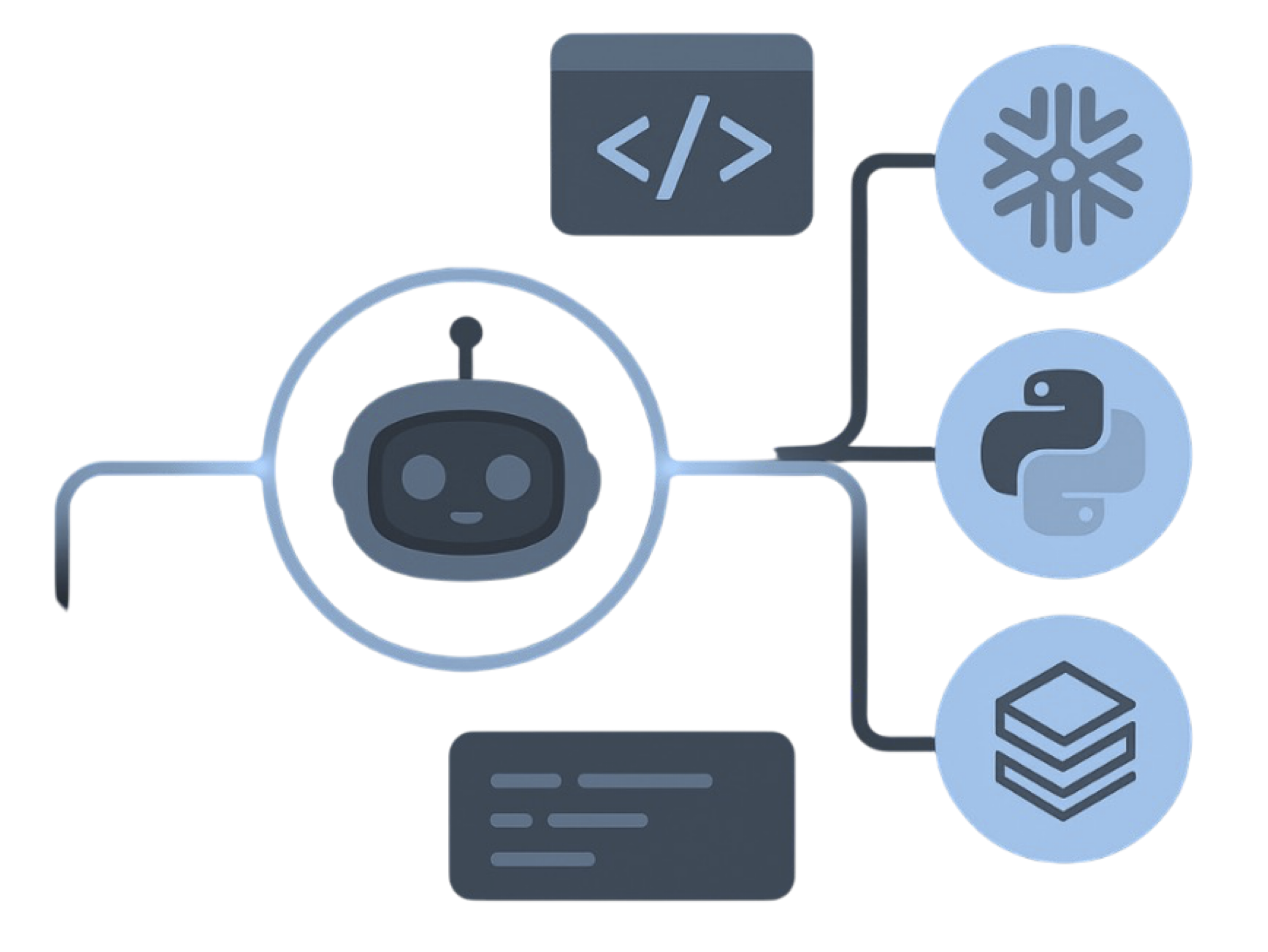
MigryX precision parser — Deep AST-level analysis ensures every construct is understood before conversion begins
Platform-Specific Optimization by MigryX
MigryX maintains deep knowledge of every target platform’s strengths and best practices. When converting to Snowflake, it leverages Snowpark and native SQL functions. When targeting Databricks, it uses PySpark DataFrame operations optimized for distributed execution. When generating dbt models, it follows dbt best practices for modularity and testability. This platform awareness is what makes MigryX output production-ready from day one.
Migration Implications
Understanding the OneLake and Lakehouse architecture directly shapes how migration teams plan their work. Landing on Fabric is not just "rewrite in PySpark." It requires deliberate architectural decisions about where each piece of migrated logic should live.
Data Storage: Everything Is Delta in OneLake
All migrated data will land as Delta tables in OneLake. This means flat files, SAS datasets (.sas7bdat), database extracts, and staged CSVs all converge into a single format. Migration teams need to define Delta table schemas upfront, including partitioning strategies, Z-ordering columns, and compaction policies. These decisions affect query performance significantly and should not be deferred to post-migration optimization.
Query Engine: Spark or T-SQL or Both
For each piece of migrated logic, teams must decide whether it becomes a Spark notebook, a T-SQL query, or both. Heavy transformations with complex row-level logic — SAS DATA steps with arrays, do-loops, retain statements, and hash objects — typically map to Spark notebooks. Aggregations, joins, and reporting queries — SAS PROC SQL, Teradata BTEQ, and stored procedures — often map more naturally to T-SQL in the Warehouse or SQL analytics endpoint.
Governance: Purview Integration from Day One
Fabric's integration with Microsoft Purview means every table, every column, and every pipeline can carry lineage metadata from the moment of creation. Migration teams should register lineage during conversion, not as a follow-up project. This means the conversion tooling must understand the source-to-target column mapping for every transformation and emit that mapping in a format Purview can ingest.
Orchestration: Data Factory Pipelines
Legacy scheduling and orchestration — SAS Flow Manager, Control-M triggers for SSIS, Informatica workflow schedules — must be rebuilt as Fabric Data Factory pipelines. These pipelines define the dependency graph: which Spark notebooks run first, which warehouse procedures run after, and what happens on failure. Migration tools must generate not just the transformation code, but the orchestration layer that ties it all together.
MigryX Fabric-Native Output
MigryX generates Fabric-native artifacts — Spark notebooks for Bronze-to-Silver transformation, T-SQL views for Gold serving layers, Data Factory pipelines for orchestration — all pointing to OneLake Delta tables with Purview lineage registration.
The OneLake and Lakehouse architecture is not just a storage decision. It is the foundation that determines how every migrated program will execute, how analysts will consume data, and how governance will be enforced. Migration teams that understand this architecture build better artifacts. Those that treat Fabric as "just another Spark cluster" end up with migration debt that takes months to resolve.
OneLake provides the single storage layer. The Lakehouse provides dual-engine access. The Medallion pattern provides the organizational framework. And automated migration tooling — tooling that understands all three — provides the path from legacy to production-ready Fabric in weeks instead of years.
Why MigryX Delivers Superior Migration Results
The challenges described throughout this article are exactly what MigryX was built to solve. Here is how MigryX transforms this process:
- Production-ready output: MigryX generates code that passes code review and runs in production — not prototype-quality output that needs weeks of cleanup.
- Platform optimization: Converted code leverages target platform-specific features for maximum performance and cost efficiency.
- 25+ source technologies: Whether migrating from SAS, Informatica, DataStage, SSIS, or any of 25+ legacy technologies, MigryX handles it.
- Automated documentation: Every conversion decision is documented with before/after code mappings and transformation rationale.
MigryX combines precision AST parsing with Merlin AI to deliver 99% accurate, production-ready migration — turning what used to be a multi-year manual effort into a streamlined, validated process. See it in action.
Ready to migrate to Fabric Lakehouse?
See how MigryX generates OneLake-native artifacts with full lineage from your legacy estate.
Schedule a Demo