Why Organizations Are Moving Off Oracle ODI
Oracle Data Integrator (ODI) has been a staple of enterprise data integration for organizations deeply invested in the Oracle ecosystem. Its E-LT architecture — pushing transformation logic into the target database engine rather than an intermediate server — was ahead of its time when it launched. But the world has moved on, and ODI’s tight coupling to Oracle’s broader stack is now its greatest liability.
The drivers for ODI migration are both economic and strategic:
- Oracle licensing costs: ODI is typically licensed as part of a broader Oracle stack that includes Oracle Database, Oracle Fusion Middleware, and WebLogic Server. The cumulative licensing and support costs can exceed seven figures annually for large enterprises.
- Vendor lock-in: ODI’s Knowledge Modules, repository structure, and runtime agent architecture are deeply Oracle-specific. Moving data to non-Oracle platforms while keeping ODI as the integration layer creates friction and suboptimal performance.
- Cloud-native alternatives: Modern data platforms like Snowflake, Databricks, and BigQuery offer built-in transformation capabilities that eliminate the need for a separate ETL tool. dbt has emerged as the de facto standard for SQL-based transformations in the warehouse.
- Talent availability: ODI expertise is concentrated among a shrinking pool of Oracle specialists. New data engineers are trained on Python, SQL, Spark, and cloud-native tools — not ODI Studio.
- Architecture modernization: Organizations adopting data mesh, lakehouse, or event-driven architectures find ODI’s batch-oriented, centralized model increasingly incompatible with decentralized data ownership.
The question is not whether to leave ODI, but how to extract the years of business logic embedded in its repositories and translate that logic faithfully to a modern platform.

Oracle ODI to Apache PySpark migration — automated end-to-end by MigryX
ODI Architecture: A Primer for Migration Planning
Before you can migrate ODI, you need to understand its architecture. ODI’s design is fundamentally different from tools like Informatica PowerCenter or Talend, and this difference shapes the migration strategy.
Master Repository and Work Repository
ODI uses a two-tier repository model. The Master Repository stores security information, topology definitions (data servers, physical schemas, logical schemas, contexts), and versioning metadata. The Work Repository stores the actual project artifacts: interfaces, packages, procedures, variables, sequences, and knowledge modules. A single Master Repository can connect to multiple Work Repositories, enabling multi-project or multi-environment configurations.
Projects, Folders, and Interfaces
Within a Work Repository, work is organized into Projects that contain Folders. Each Folder holds Interfaces (called Mappings in ODI 12c), which define the data flow from source to target. An Interface specifies the source datastores, target datastore, join conditions, filter conditions, and transformation expressions for each target column.
Packages and Scenarios
Packages are ODI’s orchestration layer. A Package chains together Interfaces, procedures, variables, and other steps into a sequential or conditional execution flow. When a Package is compiled, it becomes a Scenario — a versioned, read-only, deployable artifact that can be scheduled and executed by ODI agents. Scenarios are the production execution unit; Packages are the design-time construct.
Variables and Sequences
ODI Variables can hold scalar values (dates, strings, numbers) derived from SQL queries, startup parameters, or prior step outputs. They are used in interface filters, package flow conditions, and connection string parameterization. Sequences provide auto-incrementing identity values for surrogate key generation.
Knowledge Modules (KMs)
Knowledge Modules are the most distinctive — and most complex — aspect of ODI. There are five types:
- Integration Knowledge Module (IKM): Controls how data is integrated into the target (insert, update, merge, incremental).
- Loading Knowledge Module (LKM): Controls how data is loaded from a source technology to a staging area when source and target are on different platforms.
- Check Knowledge Module (CKM): Implements data quality checks against constraint definitions.
- Journalizing Knowledge Module (JKM): Implements Change Data Capture (CDC) logic for incremental loading.
- Reverse-Engineering Knowledge Module (RKM): Extracts metadata from source systems to populate ODI’s model definitions.
KMs are essentially code-generation templates written in a mix of SQL, ODI substitution API calls, and control flow directives. They are the heart of ODI’s E-LT architecture and the hardest component to migrate.
MigryX: Purpose-Built Parsers for Every Legacy Technology
MigryX does not rely on generic text matching or regex-based parsing. For every supported legacy technology, MigryX has built a dedicated Abstract Syntax Tree (AST) parser that understands the full grammar and semantics of that platform. This means MigryX captures not just what the code does, but why — understanding implicit behaviors, default settings, and platform-specific quirks that generic tools miss entirely.
Target Platforms: Where to Land After ODI
The choice of target platform depends on your cloud strategy, data volume, team skills, and real-time requirements. The most common migration targets for ODI workloads include:
- Snowflake + dbt: Ideal for organizations moving to Snowflake as their primary data warehouse. dbt models replace ODI interfaces, and dbt’s SQL-based transformation model aligns well with ODI’s E-LT philosophy of pushing logic into the database.
- Databricks + PySpark: Best for organizations with large-scale data processing needs, machine learning workloads, or complex transformations that benefit from Spark’s distributed compute. PySpark DataFrames replace ODI interfaces with full programmatic control.
- PySpark on AWS EMR or Google Dataproc: For organizations that want Spark without the Databricks platform layer, cloud-managed Spark clusters offer a cost-effective alternative.
- Apache Airflow: Replaces ODI’s package and scenario orchestration layer. Airflow DAGs map naturally to ODI packages, with task dependencies replacing step-level flow conditions.
Key Migration Challenges
ODI migrations present several challenges that are unique to its architecture:
Knowledge Module Logic
The biggest challenge in any ODI migration is the Knowledge Module layer. KMs are not simple mappings — they are code generators. An IKM might contain 15 steps that generate and execute DDL to create staging tables, INSERT/SELECT statements to populate them, MERGE statements to upsert into the target, and cleanup DDL to drop temporary objects. Migrating an ODI interface without understanding the KM it uses produces incomplete results.
Physical/Logical Schema Abstraction
ODI’s topology model introduces a layer of abstraction between logical schema names (used in interface design) and physical schemas (actual database connections). A single interface might reference “LOGICAL_DWH” as its target, which resolves to different physical databases depending on the active Context (DEV, QA, PROD). This abstraction must be replicated in the target platform — typically through environment variables, dbt profiles, or Airflow connection configurations.
Temporary Staging Tables
ODI’s E-LT pattern relies heavily on temporary staging tables. When loading data from a heterogeneous source (e.g., a flat file or a non-Oracle database), ODI creates staging tables in the target database, loads source data into them, performs joins and transformations using target-side SQL, then inserts the results into the final target. These staging tables are invisible in the interface design but critical to understanding the actual execution flow.
Stored Procedures and Custom Code
Many ODI projects include Procedures — custom SQL, PL/SQL, or OS command blocks that execute outside the interface framework. These procedures often contain critical business logic (data quality rules, housekeeping operations, audit logging) that is easily overlooked during migration inventory.
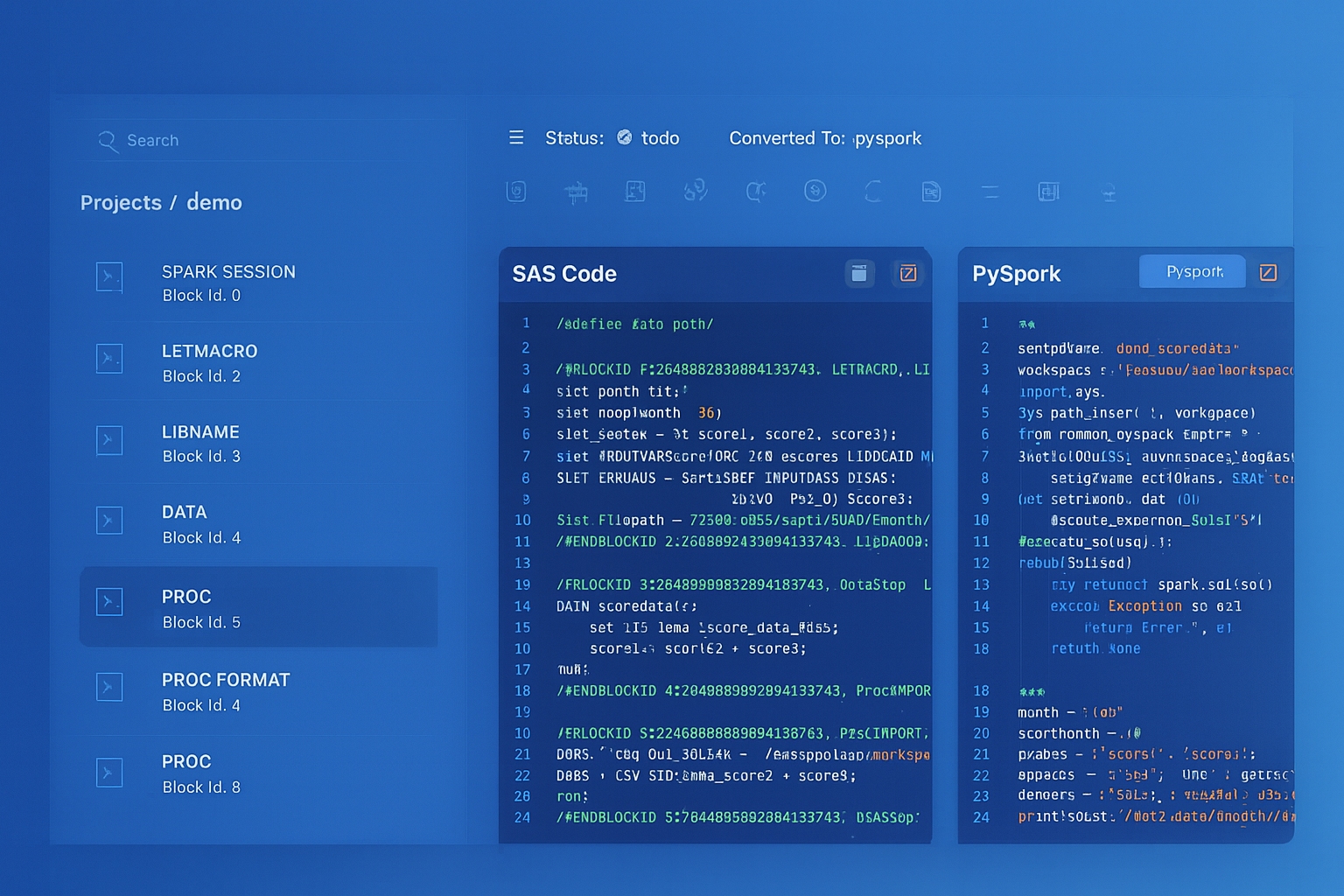
From parsed legacy code to production-ready modern equivalents — MigryX automates the entire conversion pipeline
From Legacy Complexity to Modern Clarity with MigryX
Legacy ETL platforms encode business logic in visual workflows, proprietary XML formats, and platform-specific constructs that are opaque to standard analysis tools. MigryX’s deep parsers crack open these proprietary formats and extract the underlying data transformations, business rules, and data flows. The result is complete transparency into what your legacy code actually does — often revealing undocumented logic that even the original developers had forgotten.
ODI Concepts vs. Modern Equivalents
The following table maps key ODI concepts to their modern equivalents across common target platforms:
| ODI Concept | dbt Equivalent | PySpark / Airflow Equivalent |
|---|---|---|
| Interface / Mapping | dbt model (.sql file) |
PySpark job or notebook |
| Package | dbt DAG (via ref()) |
Airflow DAG |
| Scenario | Compiled dbt artifact | Deployed Airflow DAG version |
| Variable | dbt var() or env var |
Airflow Variable or XCom |
| IKM (Integration) | Materialization strategy | Write mode (append, overwrite, merge) |
| Load Plan | dbt DAG + scheduler | Airflow DAG with task groups |
How MigryX Parses ODI Repositories
MigryX connects directly to the ODI repository, extracting complete mapping definitions, load plans, and metadata without requiring manual export.
Once ingested, MigryX builds a complete dependency graph across interfaces, packages, and variables. The output is production-ready PySpark, Snowflake SQL, or dbt code — with Airflow DAGs for orchestration.
A Practical Migration Roadmap
Based on successful ODI migrations across financial services and retail, here is a proven phased approach:
Phase 1: Inventory & Complexity Assessment (2–4 weeks)
Export all ODI projects and build a comprehensive catalog. Classify each interface by complexity: simple (single source, no KM customization), moderate (multi-source joins, standard KMs), and complex (custom KMs, procedures, CDC). This classification drives effort estimates and staffing decisions.
Phase 2: Topology Translation (1–2 weeks)
Map ODI’s logical/physical schema model to the target platform. Define connection configurations for each environment (DEV, QA, PROD). Establish naming conventions for target schemas, databases, and object names.
Phase 3: Automated Conversion (4–8 weeks)
Run automated conversion for all interfaces and packages. Review and validate the output, starting with the simplest interfaces to build confidence and establish patterns. Address flagged items — custom KMs, unsupported functions, stored procedures — with targeted manual intervention.
Phase 4: Orchestration Migration (2–4 weeks)
Convert ODI packages and scenarios to Airflow DAGs. Replicate variable resolution, conditional branching, and error handling. Configure scheduling, alerting, and retry policies to match existing SLAs.
Phase 5: Parallel Run & Validation (4–6 weeks)
Execute both old and new pipelines against production data. Compare row counts, checksums, and sample records for every target table. Document exceptions and resolve discrepancies before cutover.
Phase 6: Cutover & Decommission (2–4 weeks)
Redirect production scheduling to the new platform. Monitor for two full business cycles. Decommission ODI agents, repositories, and infrastructure once stability is confirmed.
Key Takeaways
Migrating from Oracle ODI is a liberation from vendor lock-in and an opportunity to adopt modern, open, cloud-native data architecture. The keys to a successful migration are:
- Understand the KMs: Knowledge Modules contain the most critical and complex logic. Do not treat them as black boxes.
- Map the topology: ODI’s logical/physical schema abstraction must be replicated in the target platform to maintain environment portability.
- Account for staging tables: The E-LT pattern’s reliance on temporary staging tables must be translated to equivalent patterns in the target (CTEs, temp tables, or Spark DataFrames).
- Automate where possible: Manual rewriting of hundreds of interfaces is prohibitively expensive and error-prone.
- Validate relentlessly: Parallel-run validation is the only reliable proof that the migration preserves data integrity.
The organizations that execute this transition well emerge with lower costs, greater agility, a broader talent pool, and a data platform that can evolve with their business — instead of holding it back.
Why MigryX Is the Only Platform That Handles This Migration
The challenges described throughout this article are exactly what MigryX was built to solve. Here is how MigryX transforms this process:
- Deep AST parsing: MigryX’s custom-built parsers achieve 95% accuracy on every supported legacy technology — not through approximation, but through true semantic understanding.
- Merlin AI augmentation: Where deterministic parsing reaches its limit, Merlin AI resolves ambiguities and implicit behaviors, pushing accuracy to 99%.
- Complete coverage: MigryX supports 25+ source technologies including SAS, Informatica, DataStage, SSIS, Alteryx, Talend, ODI, Teradata, and Oracle PL/SQL.
- End-to-end automation: From parsing to conversion to validation — MigryX automates the entire pipeline, not just one step.
MigryX combines precision AST parsing with Merlin AI to deliver 99% accurate, production-ready migration — turning what used to be a multi-year manual effort into a streamlined, validated process. See it in action.
Ready to modernize your legacy code?
See how MigryX automates migration with precision, speed, and trust.
Schedule a Demo